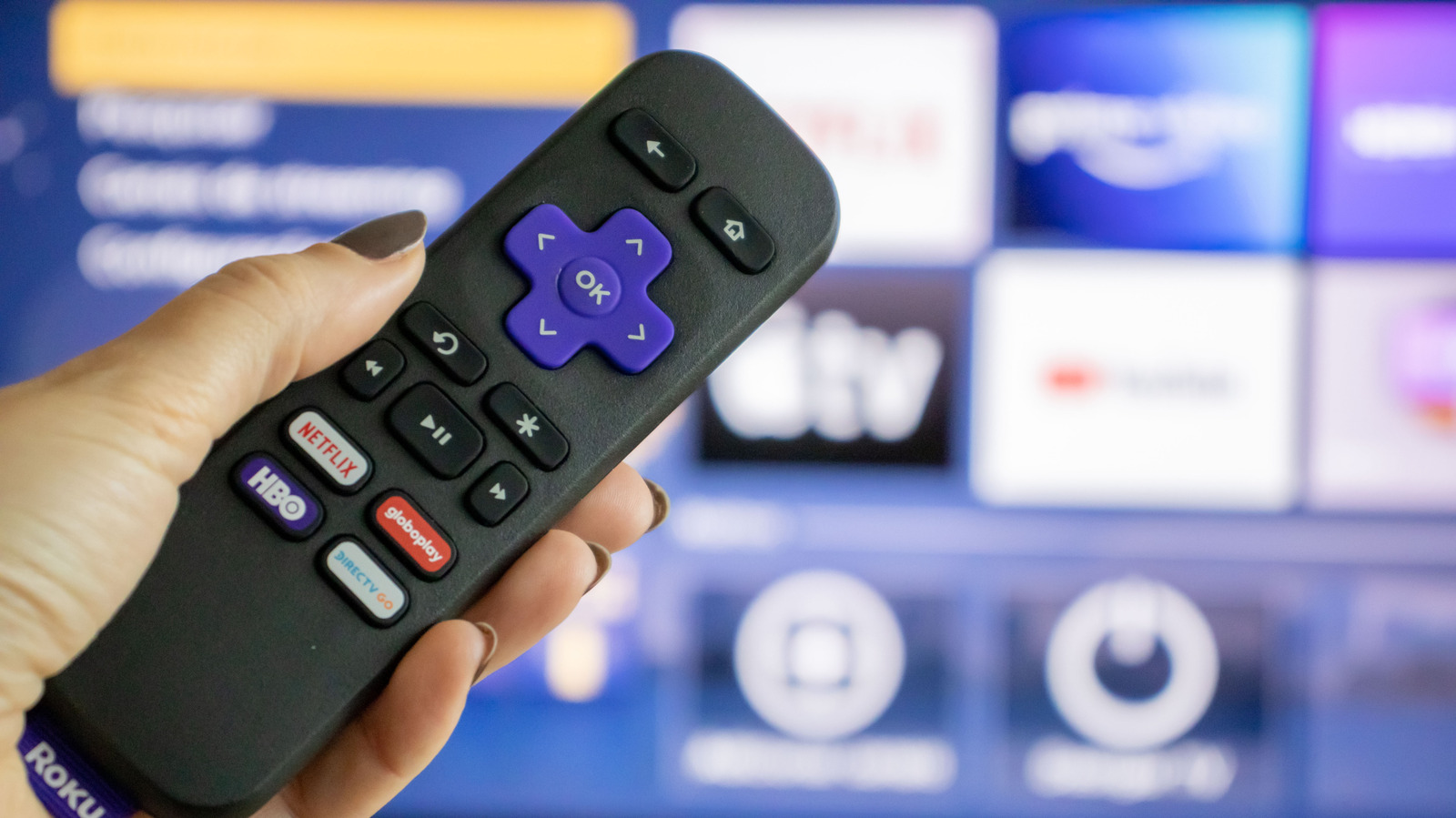
How to stop Roku from tracking everything you watch - Engadget
You may not realize it, but your Roku is watching you. Of course, informed consumers shouldn't be overly surprised by this revelation. Whether it be your internet browser, thermostat, smart speaker or television, an ever-widening array of companies and products are becoming dependent on collecting, processing and selling your information. Roku, to some customers' chagrin, is no different.
Luckily, there are ways to limit Roku's data collection practices, including disabling Automatic Content Recognition, limiting personal advertising and curtailing microphone access. Depending on the state and country you live in, some customers can even request that Roku does not share their information with their advertising partners altogether. Luckily, customizing your Roku privacy settings to match your tolerance for data sharing is easy once you know where to look. Let me show you how.
Now, let's dive into Roku's privacy policy. Much of Roku's data collection efforts mirror those of other connected consumer products. For one thing, the company receives standard device information, such as the type of device you access Roku's streaming platform from, your MAC and IP addresses, operating system, Wi-Fi network name and connection, and basic Bluetooth connection information. Similar information is collected by Roku's streaming partners. If you decide to link your Roku device to a non-Roku service, to enable features like displaying your Google Photos or connecting your Alexa voice assistant, those providers will receive similar information about your Roku device.
Once collected, Roku deploys this information for a variety of maintenance, security and advertising services. Like most connected devices, Roku uses your data to support its products, as some data collection is necessary to maintain the security and functionality of its streaming services. It also helps Roku and its partners maximize their offerings by collecting analytics and performance metrics critical to tailoring the streaming experience to its users.
Now, this doesn't mean that ACR is all bad. In addition to driving targeted advertising, ACR technology is typically used by Smart TVs to suggest new shows or movies to you. Moreover, it also enables Roku's More Ways to Watch feature, which shows you different streaming options for the content selected on your screen. For instance, if you navigate your way to the 1954 classic Creature from the Black Lagoon, your Roku may show you other applications where you can watch it. Such features aren't possible without ACR.
To disable ACR data collection, simply visit the privacy section of your device's Settings. Then, go to the section labeled Smart TV Experience and disable the setting. While in your Smart TV Experience settings, you will also see an option titled Content Viewing Disclosure, which allows Roku to disclose information regarding the movies, programs, games, and video services you view to third parties. According to the company, such disclosures are made "to personalize ads" and improve said third parties' products. By disabling this feature, you can prevent Roku from sharing this type of information whenever consent is legally required.
Unfortunately, there isn't a way to fully prevent ACR-type data collection completely. According to Roku's privacy policy, if you decide to disable ACR, "Roku still receives information about your interactions and streaming activities on your devices through other methods." One example given is in the case of third-party streaming apps, which the company will continue to collect viewing information from. As such, turning off your ACR settings won't save you from the embarrassment of knowing that your Roku knows you are re-streaming all 50 seasons of Survivor. Similar tracking will persist across The Roku Channel, Roku's Streaming Store, your Roku's home screen and any third-party ads that are enabled by your Roku device. In other words, cataloging your viewing habits is just part of the streaming experience nowadays.
If you use a Roku Smart Home device, you can use the Roku Smart Home Mobile App or Roku Smart Home webpage to edit your device's data choices. As it stands, Roku states that the videos and audio recordings captured by its Roku Smart Home products may be used by "Roku and its partners to improve their products and services." Notably, consent is "not required."
In the Voice section of your Privacy settings, you can determine whether your Roku device has access to your microphone. If using your Smart TV, you can also disable Roku's speech recognition feature. You can also stop Roku from retaining the voice recordings captured by your Roku devices by logging into your Roku account and visiting the Voice Settings page.
For American users, consumers' control over their information is largely determined by local and state laws. For instance, residents of California have the option to ask Roku not to sell or share their personal information and limit the company's use of their sensitive information. To do so, visit the Privacy Choices tab in the privacy settings. California residents also have the right to request a yearly summary of Roku's usage of their information free of charge. You can submit a right to know request, as well as a correction or deletion request, via this online form.
Other states that give viewers the opportunity to opt out of some data collection features include Arizona, Colorado, Connecticut, Delaware, Florida, Indiana, Kentucky, Maryland, Minnesota, Montana, Nebraska, New Hampshire, New Jersey, Oklahoma, Oregon, Rhode Island, Tennessee, Texas, Virginia, Iowa and Utah. To read the specifics of your particular state regulations and how they may apply, visit Roku's US State Law Privacy Notice page. To review and edit your privacy settings from your browser, visit Roku's Privacy Choices page.